LOGAN GRAPHIC PRODUCTS, INC · Framing point drivers
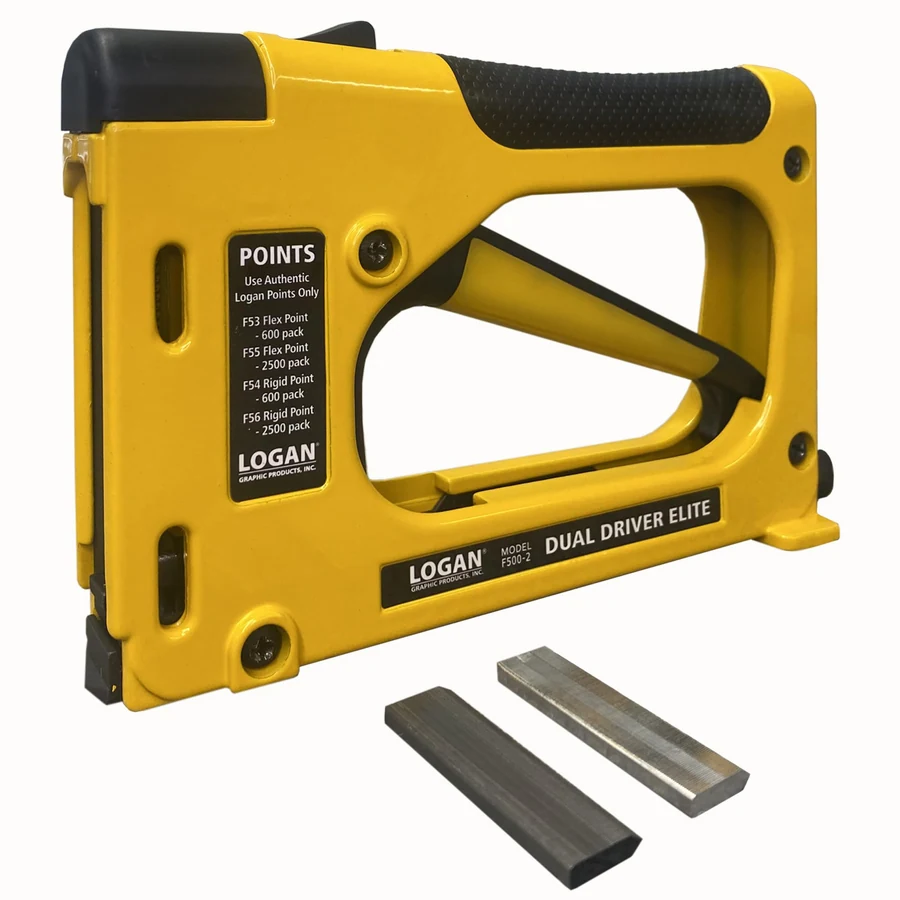
Logan F500-2 Dual Drive Elite point driver
What this tool is for
The Logan F500-2 drives points into the inside edge of a frame to hold the stack in place. Its magazine takes documented strips of rigid or flexible points. That choice is useful if you fit frames that stay assembled as well as frames where the backing will be lifted to change the artwork.
Before choosing the point, dry-fit the glazing, artwork and backing. Check the space in the frame recess and how the tool will approach the edge of the backing. Use the documented point strip for the way the frame will be used.
Specifications
- Brand
- LOGAN GRAPHIC PRODUCTS, INC
- Tool type
- Manual point driver
- Model
- F500-2
- Feed
- Magazine for documented flexible or rigid strips
- Listed magazine capacity
- 150 points
- Listed package
- Driver with 150 rigid and 150 flexible points
- Refill codes
- F53, F54, F55 or F56
- Amazon.com reference
- B0F4YK82LS
Fit and buying advice
Choose a documented rigid or flexible strip and dry-fit the stack before placing points.
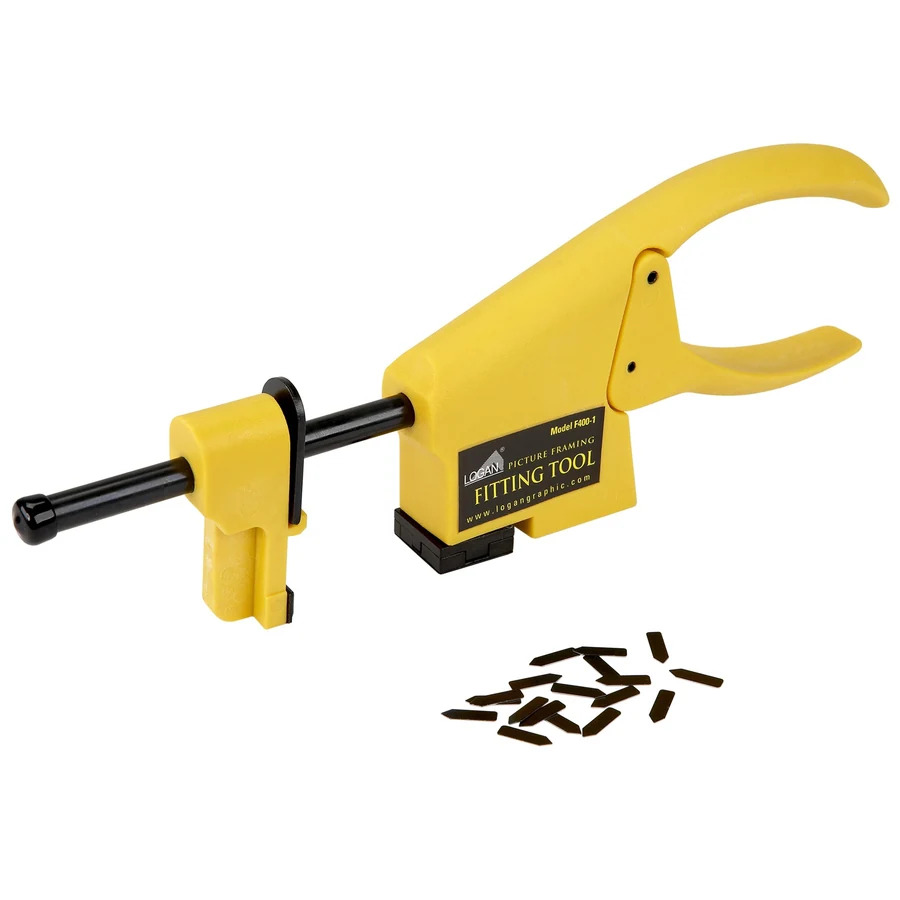
Related choice Logan F400-1 hand-loaded fitting tool ↗
Compare options in this department ↗
Documentation
Questions about this tool
Which refill codes does Logan document for the F500-2?
Logan lists F53, F54, F55 and F56. Match the rigid or flexible type you need before choosing a package size.
Can I load points sold for the F400-1 fitting tool?
Choose strips listed for the F500-2. The F400-1 uses individual inserts in a different loading system.
Which points make sense for artwork that will change?
Compare the compatible flexible points. They let you lift the points to release the backing when you reopen the frame.